

tl;dr
To view a not-twitter post without visiting the site, replace x.com with xcancel.com and leave the rest of the URL as is.
Has someone sent you a x.com post but you don’t have an account, or you don’t want to send traffic to the Nazi bulletin board (aka x.com)? We’re here to help! (The following are instructions for an iPhone because that’s what I have. I’m guessing the Android instructions are similar, but if they’re not, please let me know in the comments below. Thanks!)
Let’s say your friend sends you a link via text:

If you long press on the message, you will be presented with a menu. From that menu select the “Copy” option.
Open the browser on your phone (e.g. Safari on the iPhone) and tap the area that reads “Search or enter website name”. You should get a menu like this:
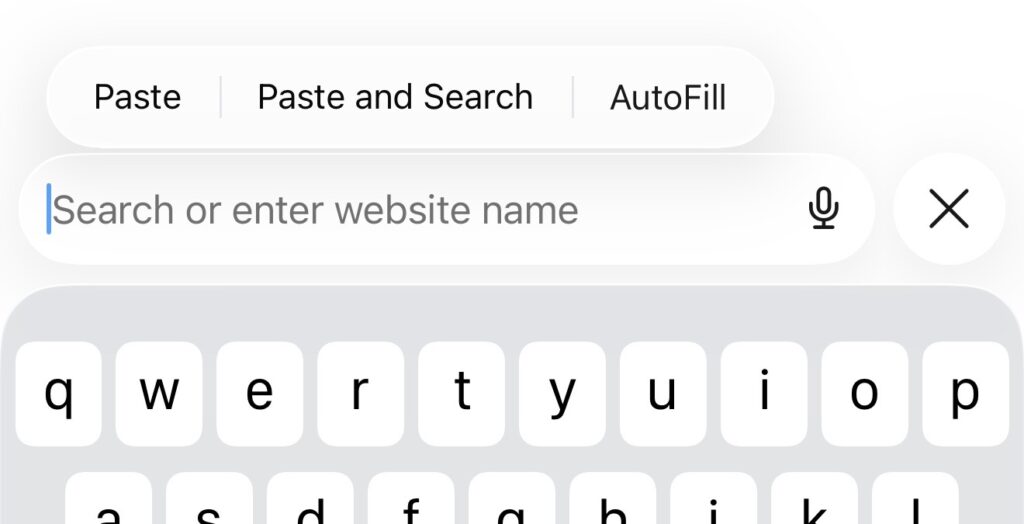
If you don’t see the menu, try tapping the “Search or enter website name” box again.
Select the “Paste” option. You should see something like this:
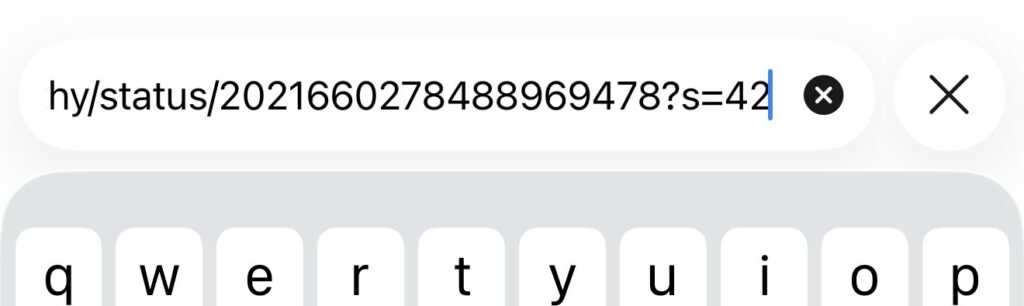
Go to the beginning of the URL (the funky text you now see in the Search area) by holding down the cursor bar and moving it to the far left of the screen until you get to the beginning. (You can also hold down the space bar to move the cursor if you know how to do that.)
You should see something like this:
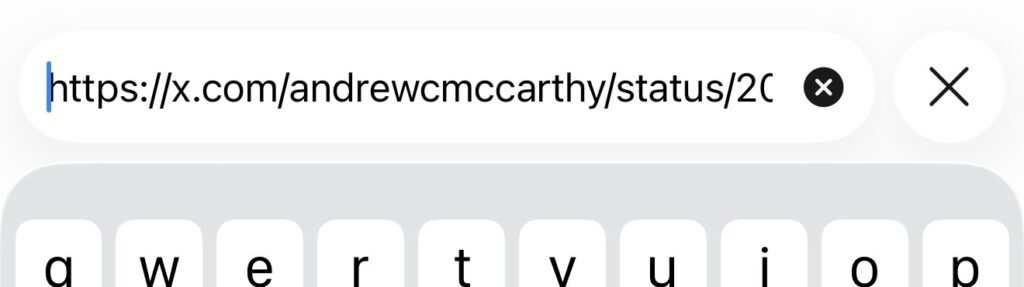
Replace the “x.com” part of the URL with “xcancel.com”. Leave the rest of the URL the same. Then press the return key (i.e. the blue, right arrow button on the iPhone). It should look something like this:
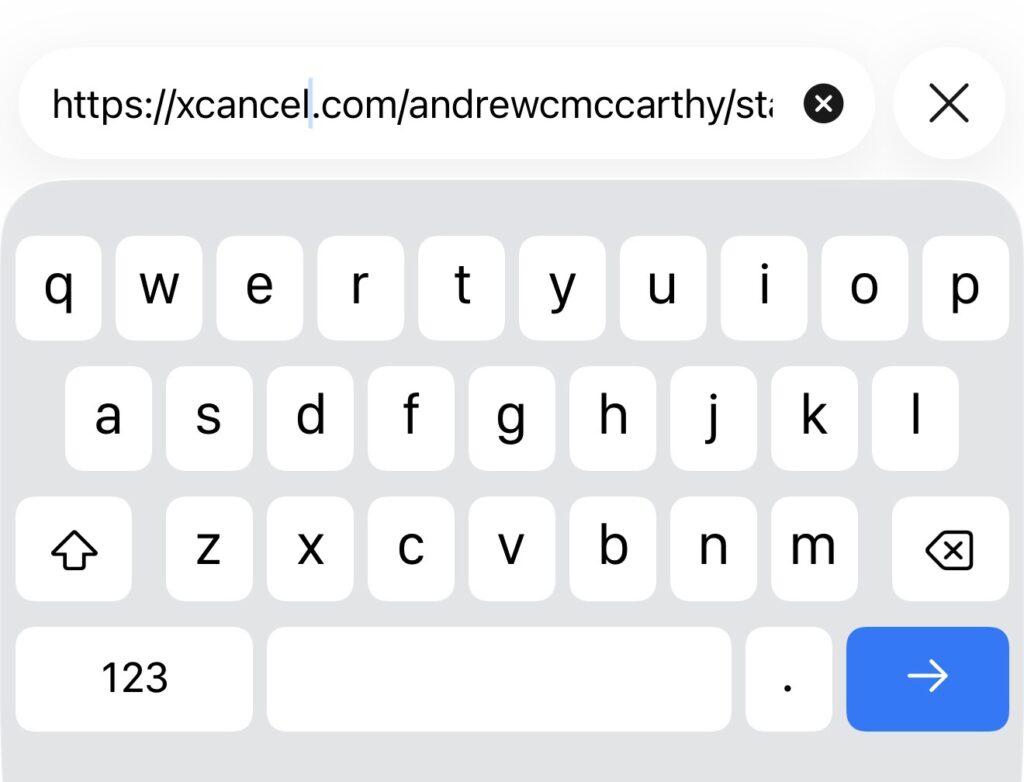
If everything works correctly, you should see the post without actually visiting the Nazi bulletin board! It will look something like this:

Congrats!
Leave a Reply
You must be logged in to post a comment.